
We often prefer emoji's while making conversations. Today in this post we dont make conversations , Instead we use python to print the 🙂 in our terminal.
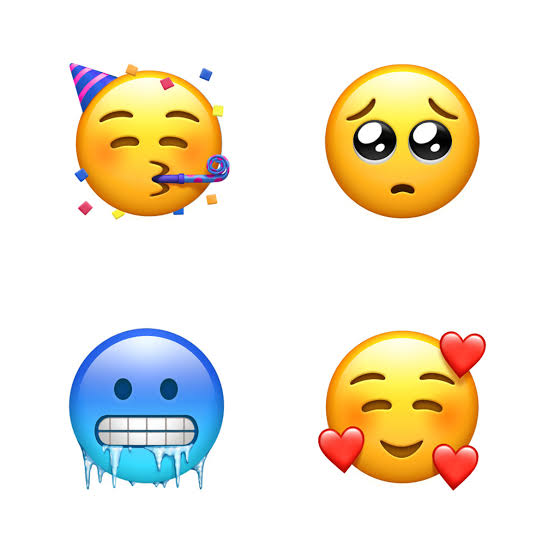
For this we are going to use emoji package.
pip install emoji
I think it comes default in Python 3. This packages uses unicode to print the emoji. Now let's see some examples..
>>import emoji
>>print(emoji.emojize('python is awesome :thumbs_up:'))
python is awesome 👍
>>print(emoji.demojize('python is awesome 👍'))
Python is awesome :thumps_up:
Looks cool right...?? This package will be useful in making command line and applications beautiful. Let's print a emoji using unicode.
>>print("\U0001F600")
😀
Here is the complete cheatsheet of emoji's.
4 Comments
nice tutorial
Hi, emoji not working in my PC, when I use emoji code it showing ?? Symbols, can any one help ne on this
This post is good enough to make somebody understand this amazing thing, and I’m sure everyone will appreciate this interesting things. הדפסה על חולצות במרכז
My website has simple, cool Python projects. If you are interested,: Python Emoji.